
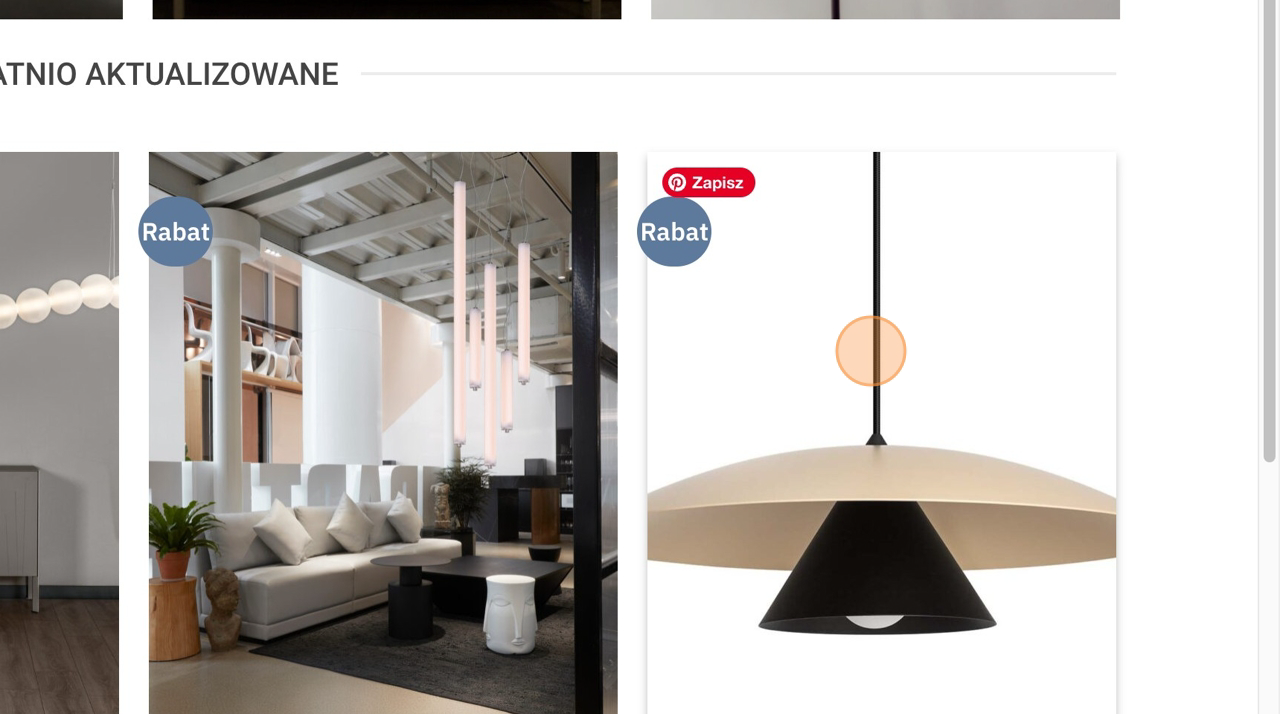
2. Select the product you want to recommend to your client.
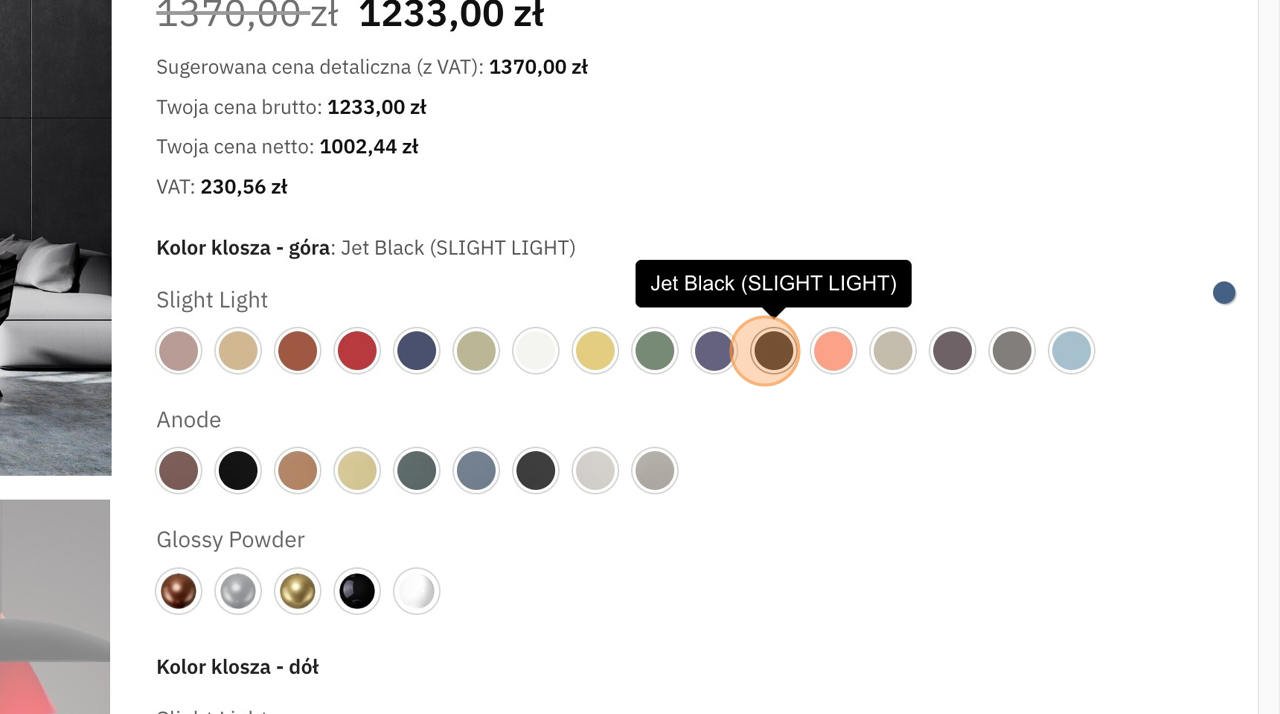
3. Choose the right variants for the product – e.g. top shade color …
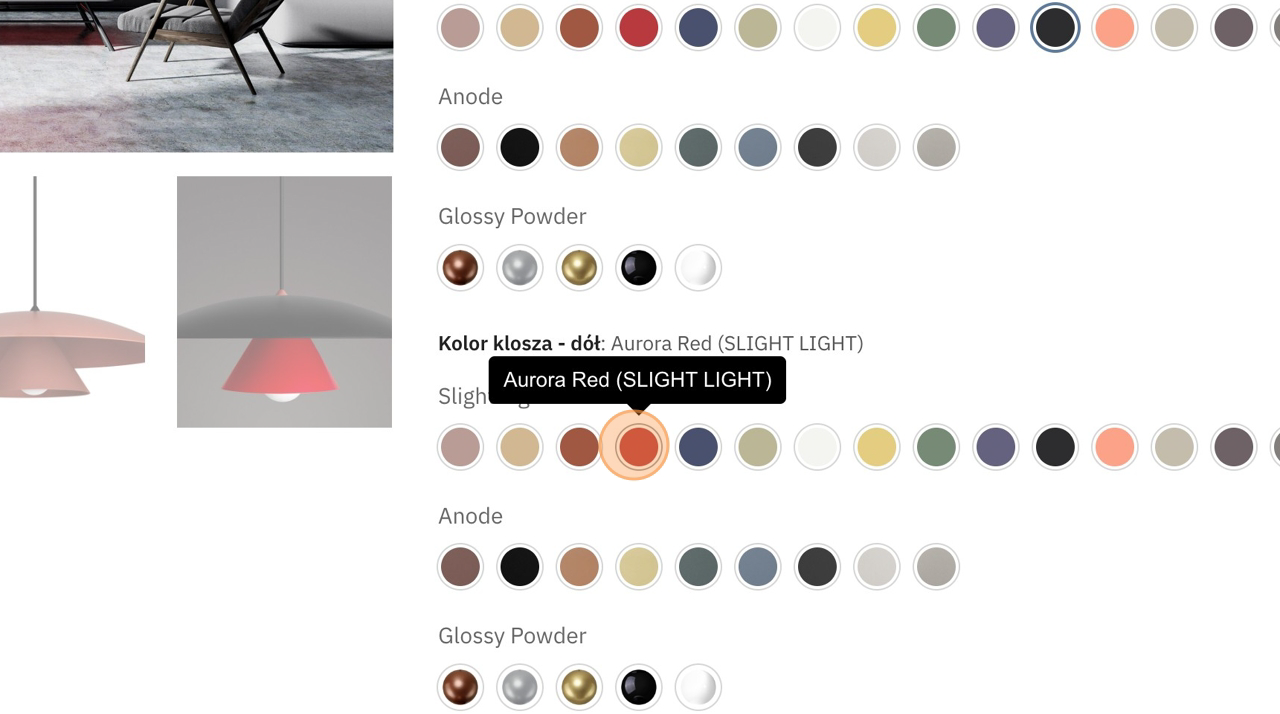
4. … and the bottom shade color.
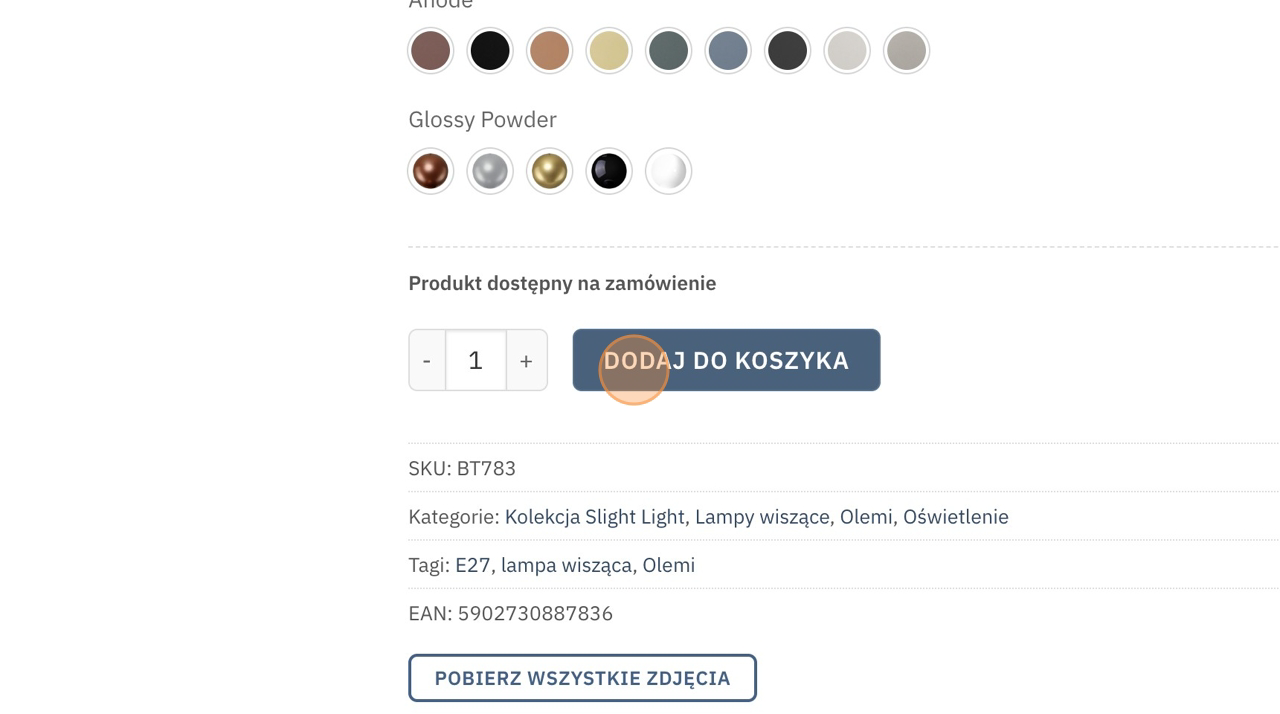
5. Click “ADD TO CART”.
Repeat this step for all products that should be included in your client’s invitation.
6. Click “VIEW CART”.
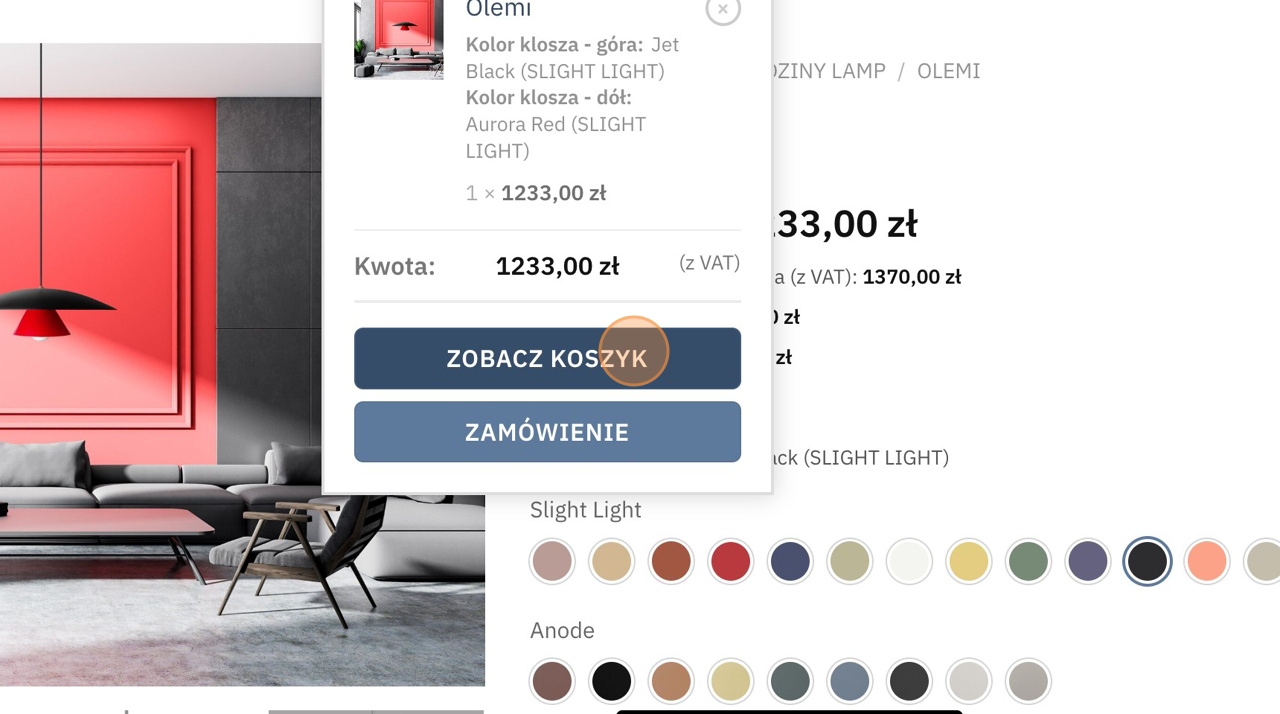
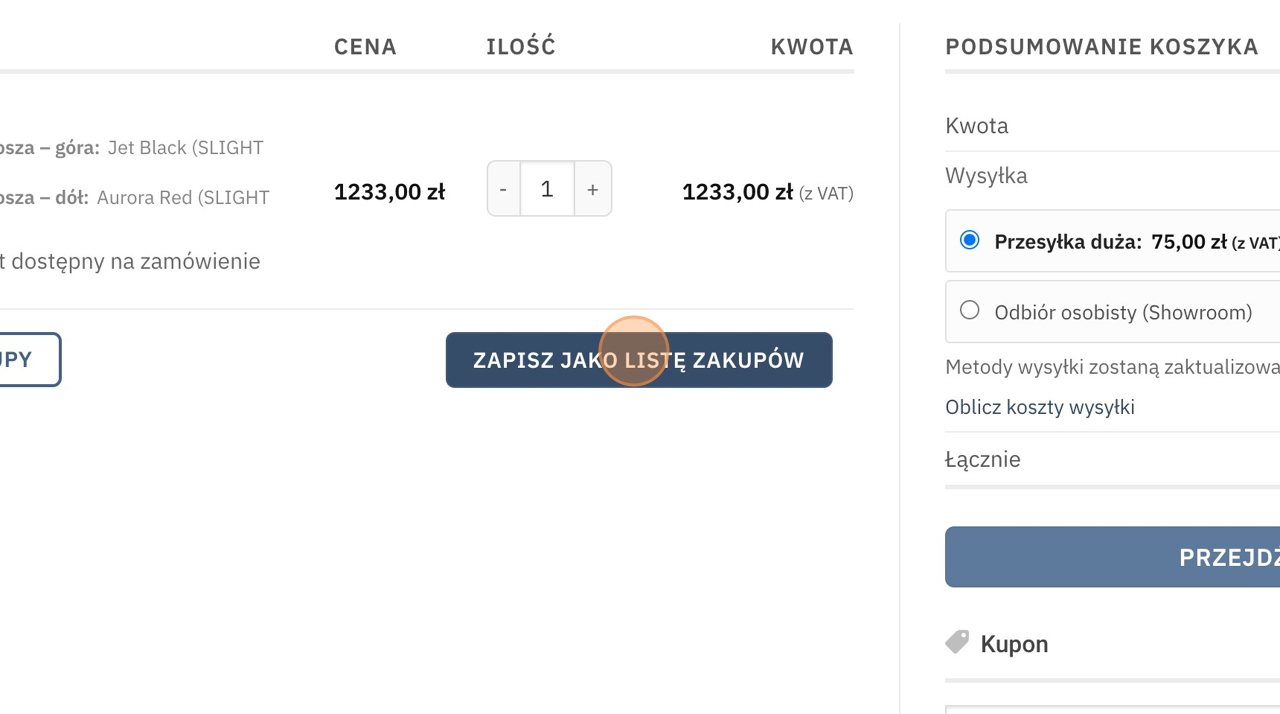
7. Below the cart summary click the button “SAVE AS SHOPPING LIST”.
Enter a name for the shopping list – the client will not see this name, but make sure it helps you remember who it is for or what it contains.
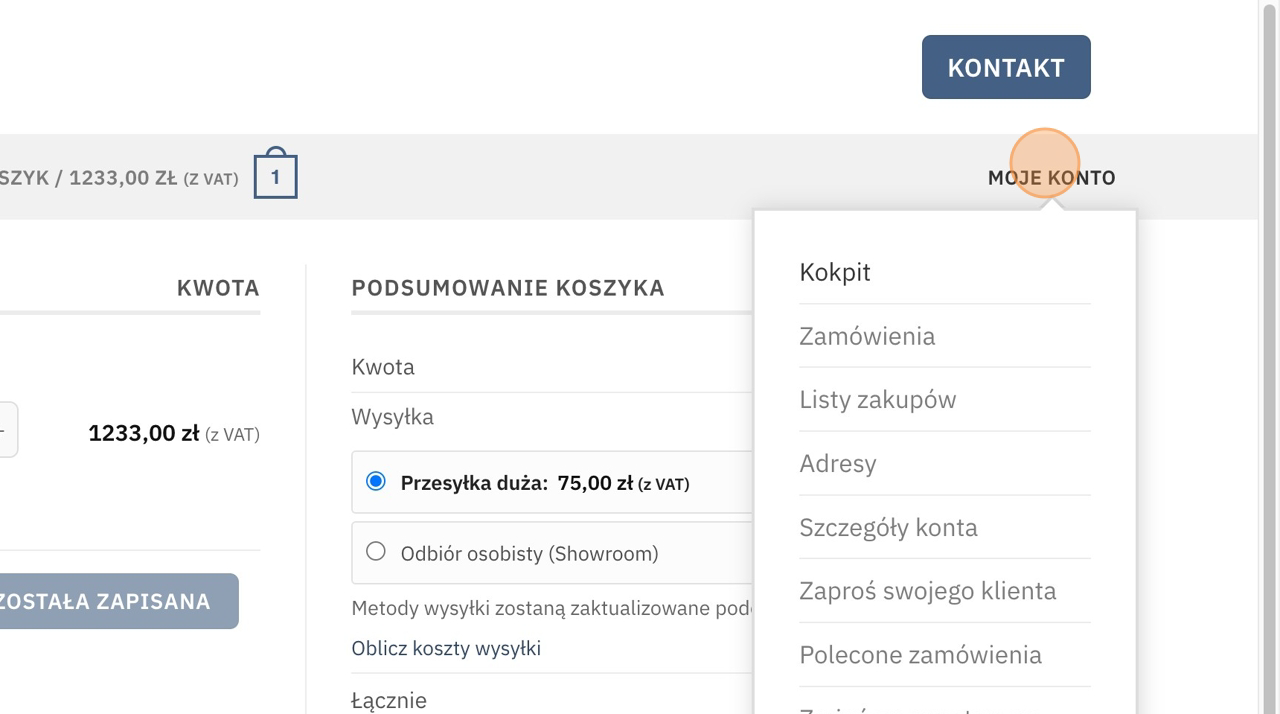
8. To send an invitation to your client, click “MY ACCOUNT” in the menu.
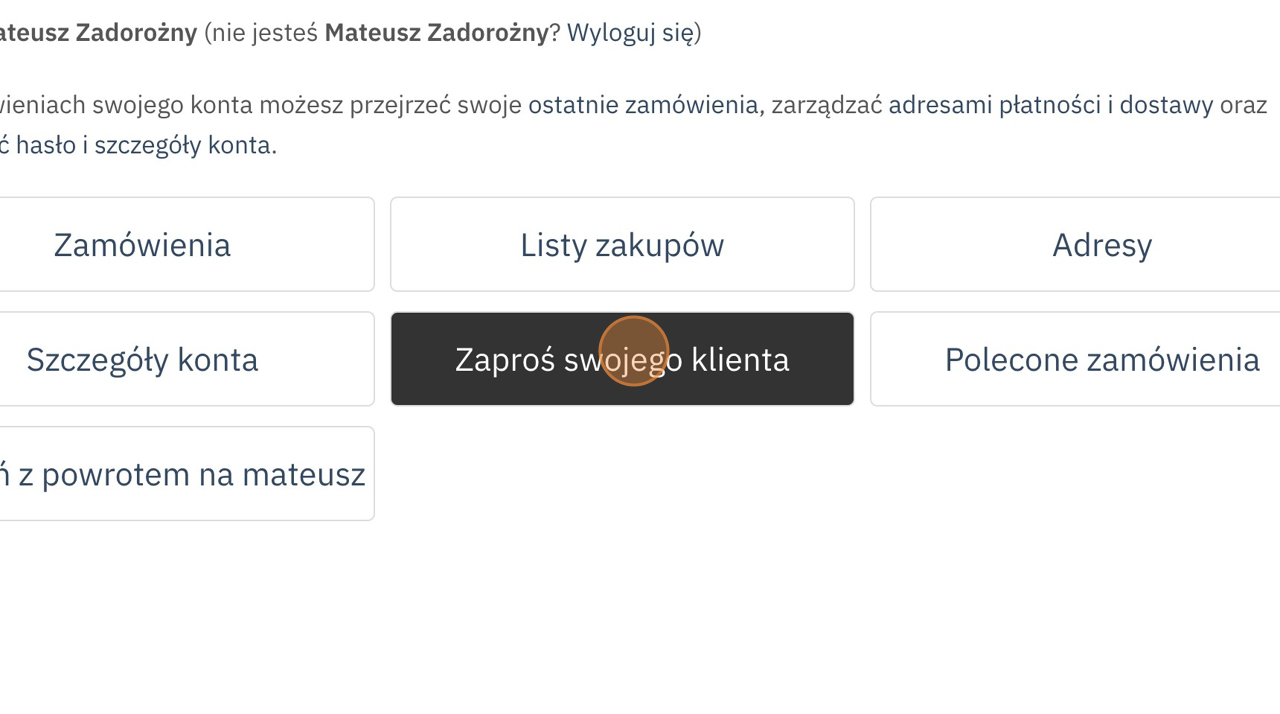
9. Click the “Invite your client” button in the middle of the panel or on the left side.
10. Enter your client’s email. We will send the invitation and discount code to this address.
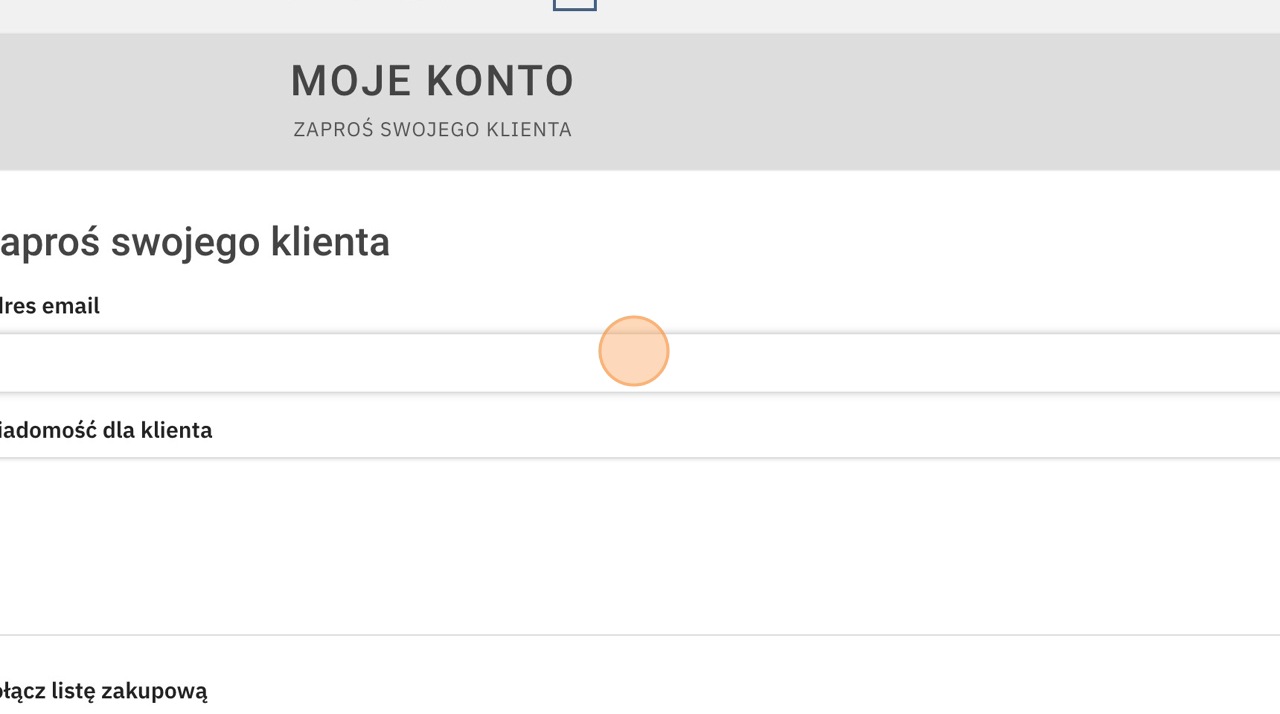
11. You can add an additional “Message for the client”.
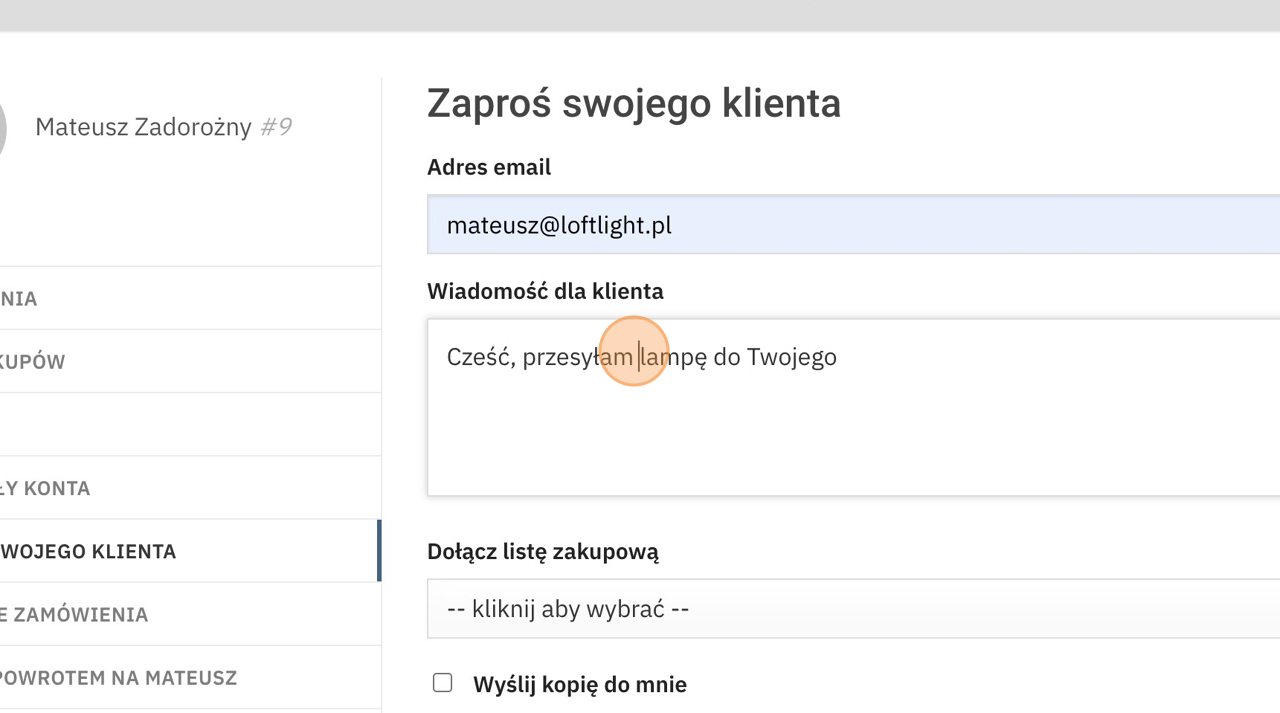
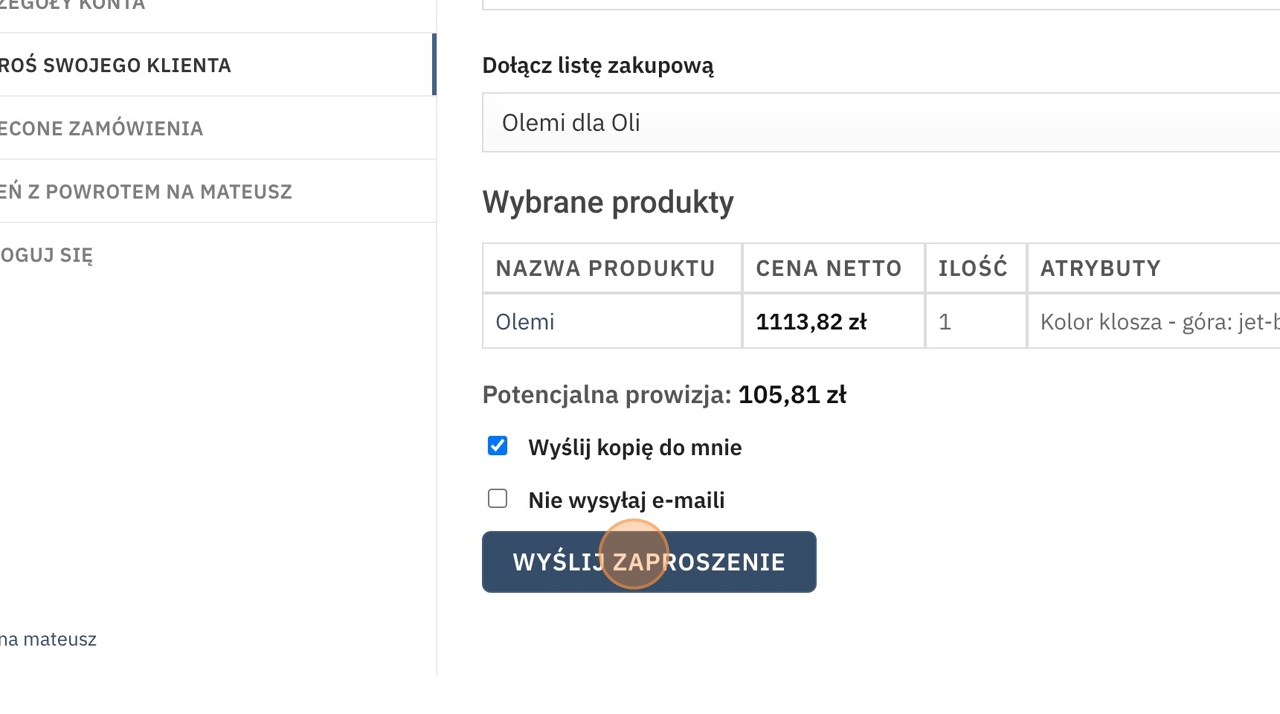
12. Expand the list of shopping lists and select the one you saved earlier.
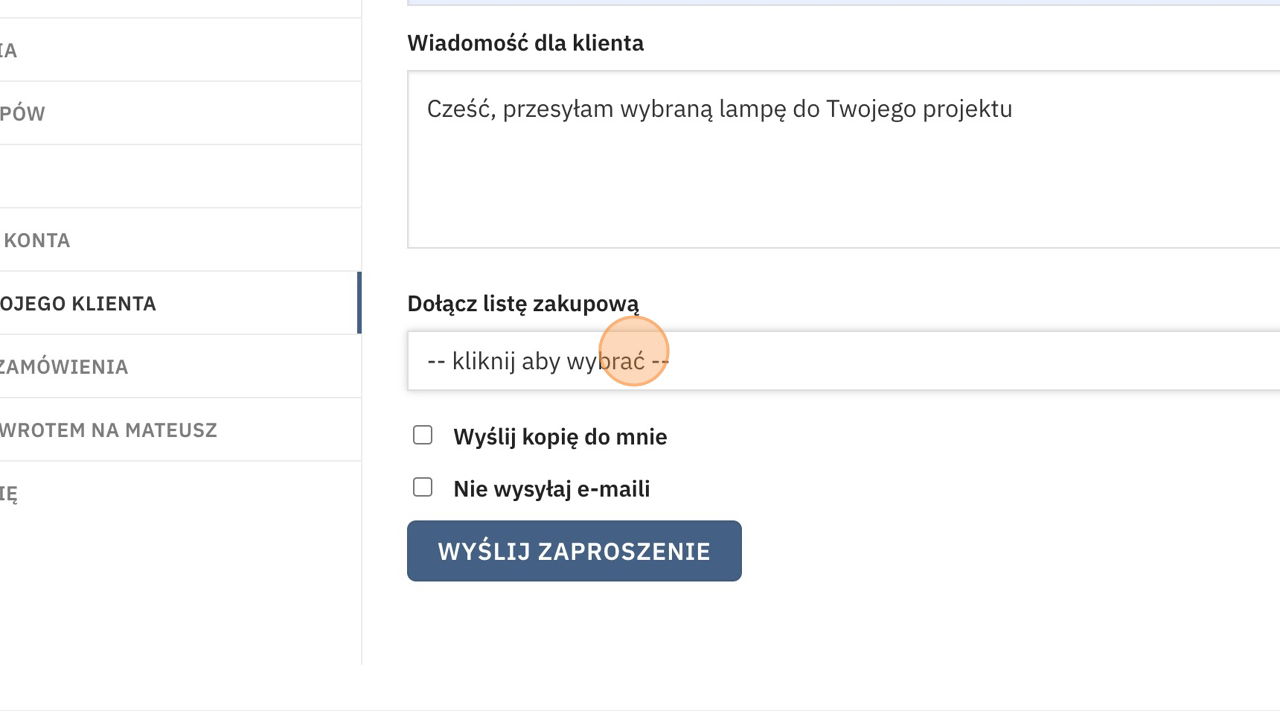
13. To receive a copy of the email – check the box “Send a copy to me”.
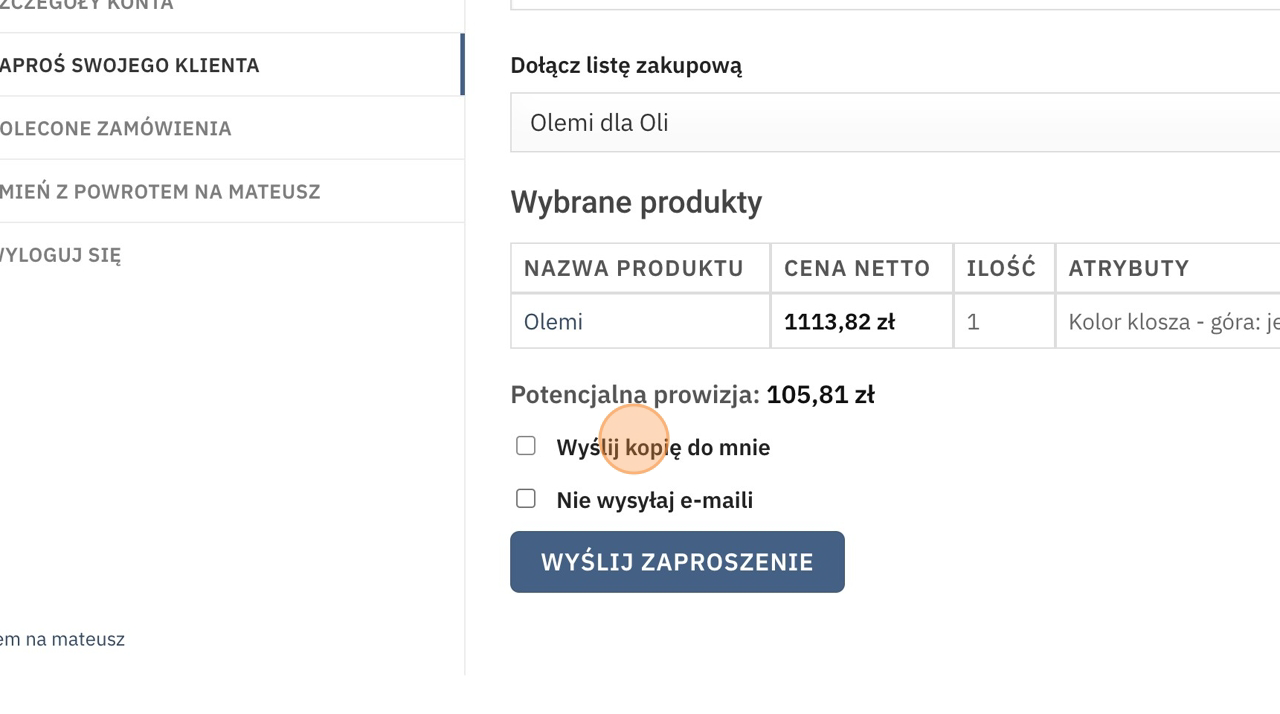
14. Send the invitation.
Based on current rates, the system will calculate the potential commission that will be assigned if your client completes the purchase.
That’s it for now!
What happens next?
Your client will receive an email from us with a discount code and instructions.
Sample email:
Your 5% discount coupon is WDGCPT3SZF
1. Step 1 is registration – do it here:
https://loftlight.eu/rejestracja-klienta/, at this stage we only need your email and password
2. You can now make purchases on our platform!
3. Add the entire shopping list with the discount code to the cart using this link: https://loftlight.eu/?add_purchase_list=4259&coupon_code=WDGCPT3SZF
Remember to log in to use this function!
By using the generated link – all products will be added to the cart along with the individual discount code.